System Requirements
Whether you choose Optosys or Optosys Cloud as your clinic management solution, meeting the recommended system requirements will help ensure optimal performance, reliability, and user experience.
Software Warranty
Optosys gives you the confidence and peace of mind to focus on what matters most: delivering exceptional patient care.
We stand behind our software and are committed to providing responsive, high-quality support. Should an issue arise, our team will work quickly and efficiently to resolve it and keep your clinic running smoothly.

Hardware Requirements
To ensure optimal performance, all workstations and servers should meet or exceed the minimum hardware requirements listed below. Please contact us for any questions or hardware analysis at support@optosys.ca
| Workstation | DEDICATED SERVER (up to 4 workstations) |
DEDICATED SERVER (5 to 19 workstations) |
DEDICATED SERVER (20 or more workstations) |
|
|---|---|---|---|---|
| Operating System | Workstation Windows® 11 Pro(64 bits) |
DEDICATED SERVER (up to 4 workstations) Windows® 11 Pro(64 bits) |
DEDICATED SERVER (5 to 19 workstations) Windows® Server 2022 or 2025 Std Edition(64 bits) |
DEDICATED SERVER (20 or more workstations) Windows® Server 2022 or 2025 Std Edition(64 bits) |
| Processor | Workstation Intel I7-12700or better |
DEDICATED SERVER (up to 4 workstations) Intel I7-12700or better |
DEDICATED SERVER (5 to 19 workstations) Intel Xeon E-2336or better |
DEDICATED SERVER (20 or more workstations) Intel Xeon W-2400or better |
| RAM | Workstation 16 GB or more |
DEDICATED SERVER (up to 4 workstations) 32 GB or more |
DEDICATED SERVER (5 to 19 workstations) 32 GB or more |
DEDICATED SERVER (20 or more workstations) 64 GB or more |
| Hard Drive | Workstation 500 GB SSD |
DEDICATED SERVER (up to 4 workstations) 2 x 500 GB SSD1 disk for Windows® 1 disk for IIS and SQL Express |
DEDICATED SERVER (5 to 19 workstations) 2 x 500 GB SSD1 disk for Windows® 1 disk for IIS and SQL Express |
DEDICATED SERVER (20 or more workstations) 2 x 500 GB SSD1 disk for Windows® 1 disk for IIS and SQL Standard |
Please note that Microsoft SQL Server must not be installed on the server beforehand. Our technicians will take care of this configuration during the installation of our software.
Recommended Peripherals
- External mouse
- Full-size keyboard
- Barcode scanner (if applicable)
- Label printer (recommended : Seiko SLP 850)
Supported Devices & Browsers
- Required
- Required for portal access
Internet Requirements
To ensure reliable performance for online booking, automated patient communications, product catalogue synchronization and multi-clinic environments, the following internet speeds are recommended:
Recommended Speed
- Download: 300 Mbps
- Upload: 50 Mbps
Minimum Speed
- Download: 50 Mbps
- Upload: 15 Mbps
Multi-clinics
The master clinic plan (when configuring Multi-Clinics) must include a fixed IP address. Optosys follows https protocol, a secure communication network similar to what banks use.
Internet Security
- Up-to-date anti-malware protection on all servers and workstations
- Active antivirus software on all systems
- Business-grade firewall protection
- Regular operating system and security updates
Connection Type
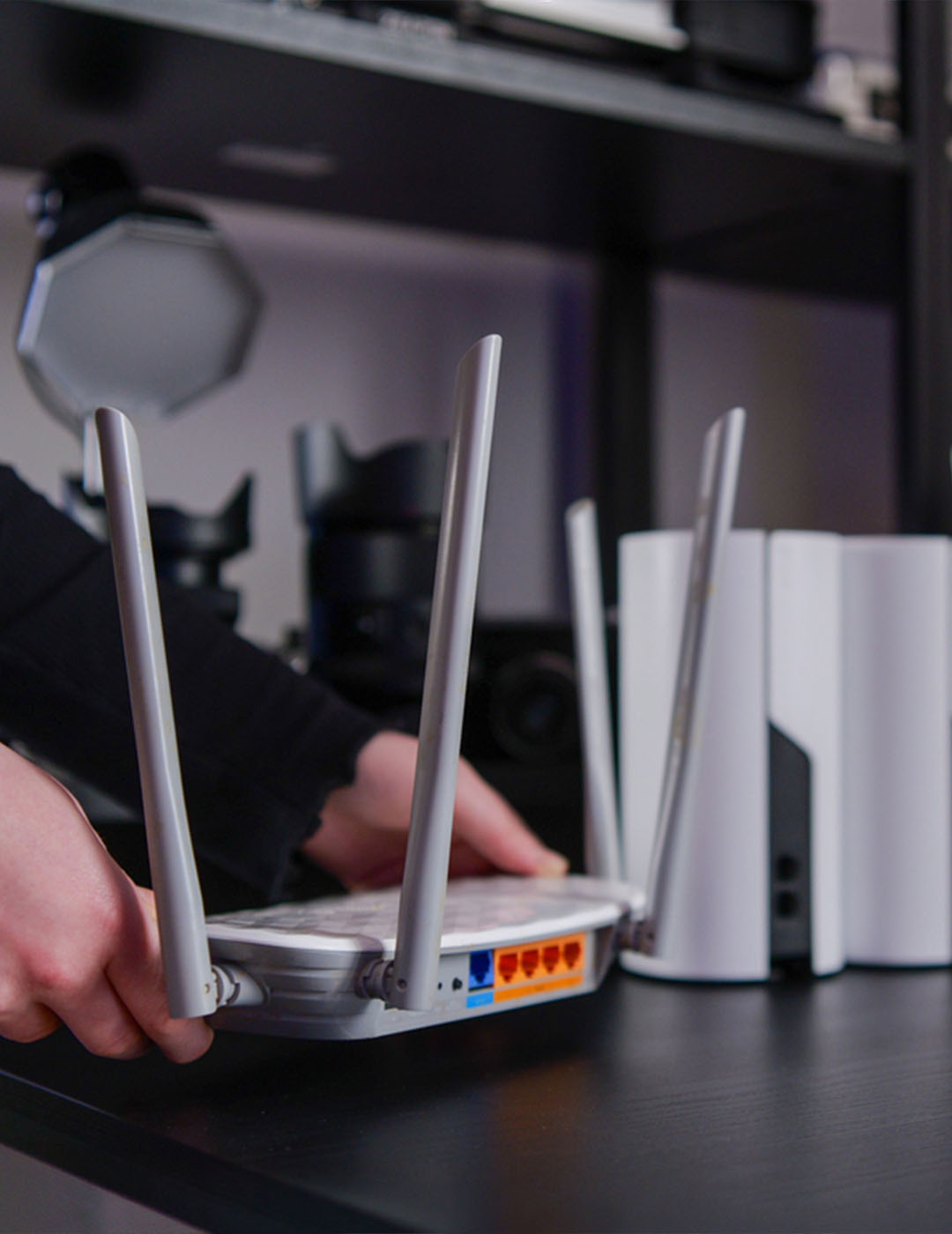
Wireless Network (Wi-Fi) is not recommended.
Unstable wireless network connections commonly occur in commercial buildings due to interference. However, Optosys will work properly in such conditions as long as they are stable.
Hardware Requirements
To ensure optimal performance, all workstations and servers should meet or exceed the minimum hardware requirements listed below. Please contact us for any questions or hardware analysis at support@optosys.ca
| HOSTED SERVER (up to 4 workstations) |
HOSTED SERVER (5 to 19 workstations) |
HOSTED SERVER (20 or more workstations) |
|
|---|---|---|---|
| Recommended Physical Server |
HOSTED SERVER (up to 4 workstations) Intel Core i7-1270032 GB RAM 2 × 500 GB SSD |
HOSTED SERVER (5 to 19 workstations) Intel Xeon E-233632 GB RAM 2 × 500 GB SSD |
HOSTED SERVER (20 or more workstations) Intel Xeon W-240064 GB RAM 2 × 500 GB SSD Microsoft SQL Server Standard |
| Cloud Equivalent | HOSTED SERVER (up to 4 workstations) Minimum:8 vCPU 32 GB RAM |
HOSTED SERVER (5 to 19 workstations) Recommended:8–12 vCPU (16 preferred) 32–48 GB RAM |
HOSTED SERVER (20 or more workstations) Recommended:16 vCPU 64 GB RAM |
| Storage | HOSTED SERVER (up to 4 workstations) 128–256 GB SSD (Operating System)500 GB Premium SSD (Database) Minimum 3,000 IOPS |
HOSTED SERVER (5 to 19 workstations) Separate OS and Database disks500 GB Premium SSD 5,000–8,000 IOPS |
HOSTED SERVER (20 or more workstations) 128–256 GB SSD (Operating System)500+ GB Premium SSD or Ultra Disk (Database) 10,000+ IOPS recommended |
| Suggested Cloud Instances |
HOSTED SERVER (up to 4 workstations) Microsoft Azure: D8s v5AWS: m6i.2xlarge |
HOSTED SERVER (5 to 19 workstations) Microsoft Azure: D8s v5 or D12s v5AWS: m6i.2xlarge to m6i.3xlarge |
HOSTED SERVER (20 or more workstations) Microsoft Azure: D16s v5 or E16s v5AWS: m6i.4xlarge or r6i.4xlarge |
Please note that Microsoft SQL Server must not be installed on the server beforehand. Our technicians will take care of this configuration during the installation of our software.
Workstation
- Operating System: Windows 11 Pro (64 bits)
- Processor: Intel 17-12700 or better
- RAM: 16 GB or more
- Hard Drive: 500 GB SSD
Recommended Peripherals
- External mouse
- Full-size keyboard
- Barcode scanner (if applicable)
- Label printer (recommended : Seiko SLP 850)
Supported Devices & Browsers
- Required
- Required for portal access
Internet Requirements
To ensure reliable performance for online booking, automated patient communications, product catalogue synchronization and multi-clinic environments, the following internet speeds are recommended:
Recommended Speed
- Download: 300 Mbps
- Upload: 50 Mbps
Minimum Speed
- Download: 50 Mbps
- Upload: 15 Mbps
Multi-clinics
The master clinic plan (when configuring Multi-Clinics) must include a fixed IP address. Optosys follows https protocol, a secure communication network similar to what banks use.
Internet Security
- Up-to-date anti-malware protection on all servers and workstations
- Active antivirus software on all systems
- Business-grade firewall protection
- Regular operating system and security updates
Connection Type
Wireless Network (Wi-Fi) is not recommended.
Unstable wireless network connections commonly occur in commercial buildings due to interference. However, Optosys will work properly in such conditions as long as they are stable.
Hardware Requirements
Optosys Cloud runs entirely through a web browser, eliminating the need for on-premise servers and software installations while providing secure access from virtually anywhere.
| Windows PC | Apple Mac | |
|---|---|---|
| Operating System | Windows PC Windows 11 with latest updates |
Apple Mac macOS Ventura (Version 13) or newer |
| Processor | Windows PC Intel Core i5 (10th Generation or newer) or AMD Ryzen 5 (3000 Series or newer) |
Apple Mac Apple Silicon (M1 or newer) or Intel Core i5 (2019 or newer) |
| RAM | Windows PC 8 GB RAM minimum (16 GB recommended) |
Apple Mac 8 GB RAM minimum (16 GB recommended) |
| Hard Drive | Windows PC 256 GB SSD with at least 50 GB free space |
Apple Mac 256 GB SSD with at least 50 GB free space |
Supported Devices & Browsers
Optosys Cloud is a web-based application that can be accessed from most modern devices.
- Recommended
- Recommended
- Supported for light use; some functionality may be limited
- Supported for light use; some functionality may be limited
- Recommended, latest version
- Supported, latest version
- Supported, latest version
Note:Tablets should have a Full HD display or higher. An external keyboard and mouse are strongly recommended for daily use.
Recommended Peripherals
For the best user experience, we recommend:
- External mouse
- Full-size keyboard
- Barcode scanner (if applicable)
- Label printer (recommended : Seiko SLP 850)
Browser Settings
- JavaScript enabled
- Cookies enabled
- No aggressive ad-blocking or script-blocking extensions
- Pop-ups allowed for Optosys Cloud
Display Requirements
For optimal viewing and usability:
- Minimum screen resolution: Full HD (1920 × 1080)
- Recommended screen size: 13" or larger
- Browser zoom: Set to 100% for proper interface display
Internet Requirements
A reliable internet connection is essential for optimal performance.
Note: These recommendations are based on a typical clinic environment with multiple concurrent users.
Minimum recommended speed
- Download: 200 Mbps
- Upload: 80 Mbps
- Latency: Less than 50 ms
Connection Type
For the most stable experience, a wired Ethernet connection is recommended over Wi-Fi.
Additional Considerations
- VPN connections may increase latency and impact performance.
- Public or shared networks may reduce reliability and speed.
- For multi-user clinic environments, ensure sufficient bandwidth is available for all concurrent users.
- It is strongly recommended that the clinic maintain an automatic Internet failover solution in case of a primary Internet connection failure, using a 4G or 5G modem/router with a sufficient data plan connected to the clinic’s network.
Need Help?
Not sure which solution is right for your clinic or whether your equipment meets the requirements?
Our team can assess your current setup and provide personalized recommendations.
Contact SupportOptosys saves
Need help with your Optosys software? View our online training videos or contact our support team.
Learn more!
Contact Us